
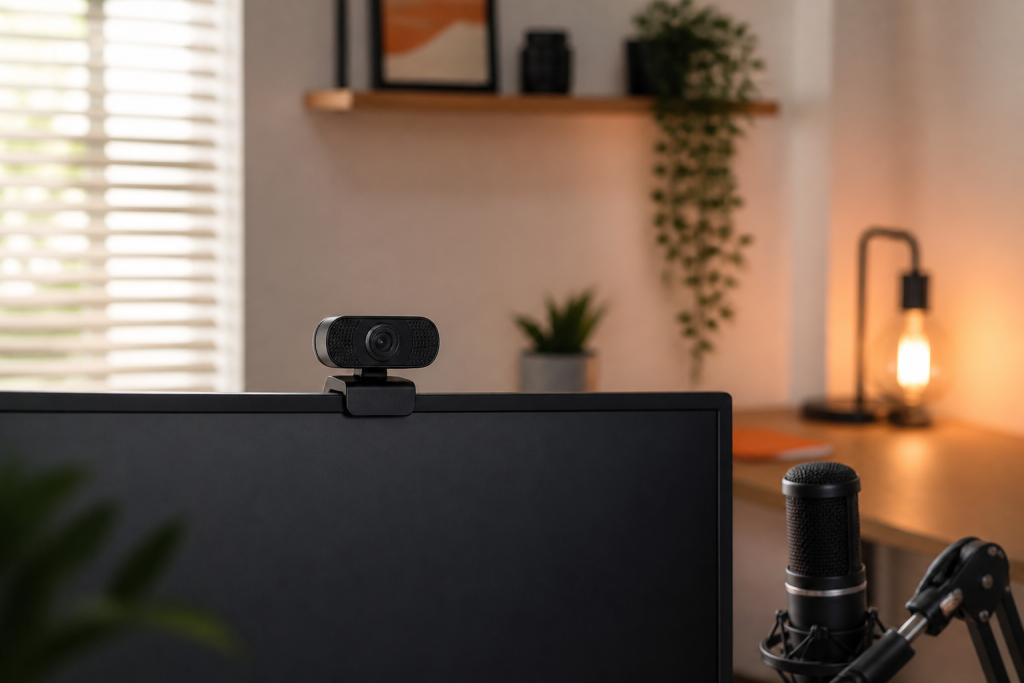
A webcam upgrade can improve calls and streams, but image quality depends on more than resolution. Lighting, framing, autofocus, software behavior, mounting position, and microphone choice often have a larger effect than the headline “4K” label.
Define the framing you need
For individual video calls, a moderate field of view keeps attention on your face without showing the entire room. Wider lenses help when two people share the frame or when a conference-room camera must cover a table. Check whether the camera can crop or zoom without making the image visibly soft.
Place the lens close to eye level. A camera mounted far above or below the display creates an unnatural angle and makes eye contact harder. If you use a large monitor, confirm that the clip opens wide enough and remains stable.
Lighting matters more than resolution
Even an expensive webcam struggles when a bright window sits behind you or the room is very dark. Face a window or use a soft light positioned slightly above eye level. Avoid bare lamps that create harsh shadows or reflections in glasses.
Low-light performance depends on sensor size, lens brightness, exposure choices, and processing. Look for examples showing natural skin tones and controlled noise rather than an image that is simply brighter.
Understand resolution and frame rate
1080p is sufficient for most meetings because conferencing services often compress video heavily. Higher resolution can help with cropping, recording, and content creation. A 60-frame-per-second mode makes motion look smoother, but it requires more light and may not be available at the camera’s maximum resolution.
- Routine meetings: prioritize reliable 1080p, exposure, and autofocus.
- Streaming: consider 1080p60, manual controls, and clean software integration.
- Recorded presentations: higher resolution can provide useful editing flexibility.
- Shared rooms: prioritize field of view and dependable face tracking.
Autofocus and exposure should be stable
Fast autofocus is useful, but constant focus hunting is distracting. Cameras with manual focus or a focus lock can be better for a fixed desk. Exposure should adapt without making brightness pump every time you move or a screen changes.
If you wear glasses, check how the camera handles reflections. If you demonstrate objects close to the lens, verify minimum focusing distance rather than assuming every autofocus camera can capture close-ups.
Evaluate software before committing
Companion software controls framing, exposure, white balance, firmware updates, privacy settings, and sometimes virtual effects. Confirm operating-system compatibility and whether settings remain stored when the software is closed. Reliable basic controls are more valuable than effects you will rarely use.
Do not overpay for the built-in microphone
Webcam microphones are convenient, but distance and room echo limit clarity. A modest USB microphone or headset positioned closer to your mouth usually sounds better. Treat the built-in microphone as a backup unless simplicity is your highest priority.
Privacy and everyday usability
A physical privacy shutter provides clear confirmation that the lens is blocked. Also consider whether the activity light is obvious, whether the cable can be replaced, and whether the mount works with a tripod or monitor arm.
A practical buying checklist
- Choose the field of view for one person or a group.
- Place a light in front of you and assess the room.
- Pick the resolution and frame rate your applications can use.
- Check autofocus stability and close-focus needs.
- Confirm software and operating-system compatibility.
- Plan a separate microphone if audio quality matters.
- Verify mounting, cable length, privacy controls, and return policy.
Final recommendation
For most desks, the best webcam is the one that produces consistent exposure and color, stays focused, mounts at eye level, and works without software problems. Improve lighting first, then pay for additional resolution or tracking only when your workflow benefits from it.